We are your business best of friends.


Organizes your finances intelligently in one place. Track sales, purchases, collections and taxes. Maintain and keep your inventory up-to-date. Generate and print useful info with advanced analytic tool.
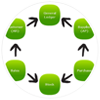
Work more efficiently with true real-time posting and seamlessly integrated modules.
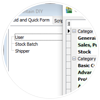
Enhance software business logic to suit your business.

Safeguard your data by setting authentications for your employees. You can now continue working while a backup runs, allowing 24x7 operation.
SQL Accounting & Payroll software gives you a combination of powerful business modules..
GST Accounting Software with GST Compliant and approved by Malaysia Government

IRS specialize in business IT solutions such as the Point Of Sales System and F&B System.
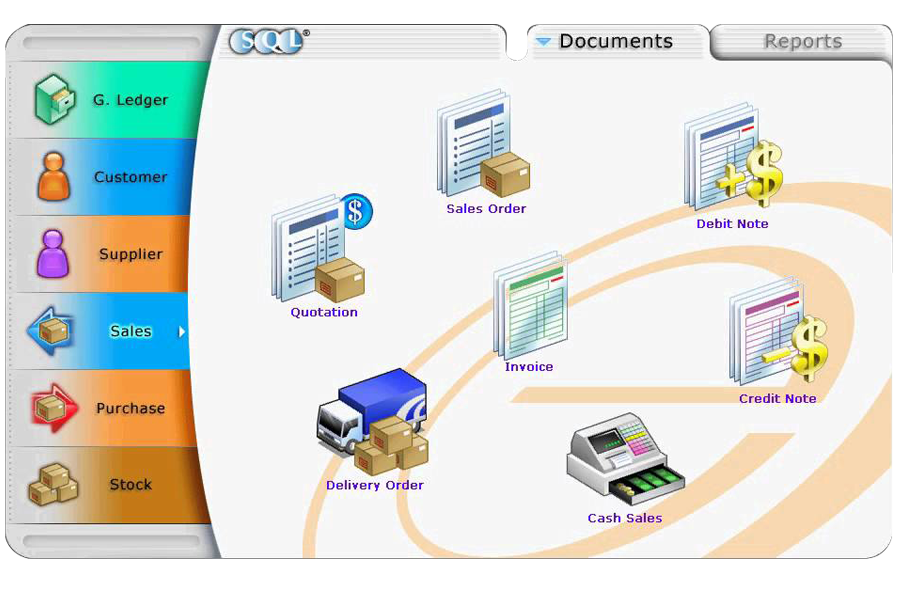
Explore the amazing features that makes SQL Account one the best software for your business. Work more efficiently with true real-time posting and seamlessly integrated modules. Store virtually unlimited years of business data for better decision-base analysis with open period solution.
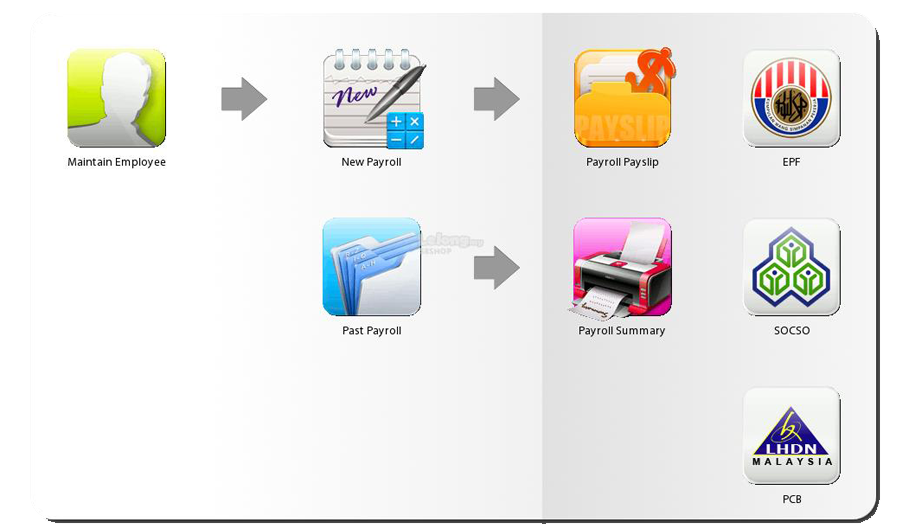
A dedicated team of experts ready to work with you. Its customizable from payroll logic to payroll reports. Guaranteed accurate paychecks and taxes.
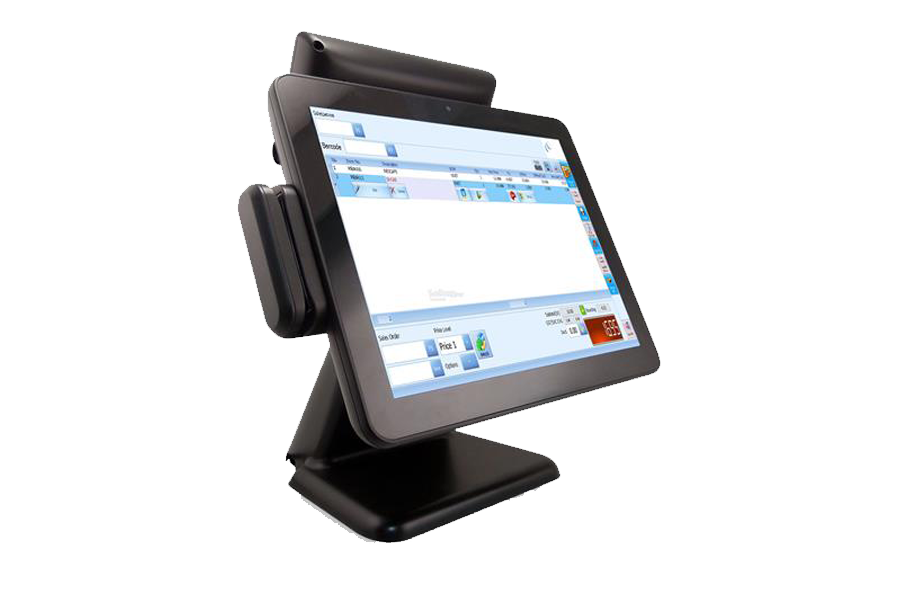
Effcient Inventories Managment.
IRS Point of Sales System will help you to do this by facilitating customer checkouts and helping your business to manage huge inventory.IRS Point of Sales System will help you keep track of huge inventory stock, determine fast and slow selling items.